Steps to Change the View of a Production Job
1. Open Impact Designer Admin.
2. Select ”Production hub” on the navigation panel and click “Production.”

3. Move to the right. Four buttons will appear.

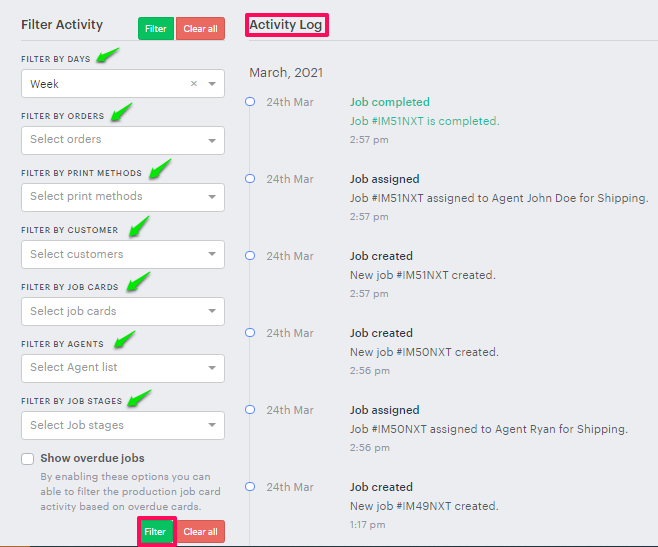
(i) Activity Log: In this section, we can view the production job activity by different filters provided.
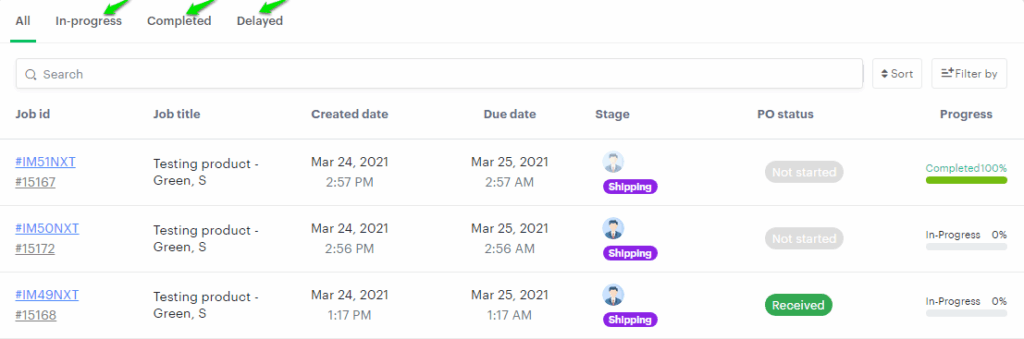
(ii) List View: In this section, we can view the production job cards based on the progress status.
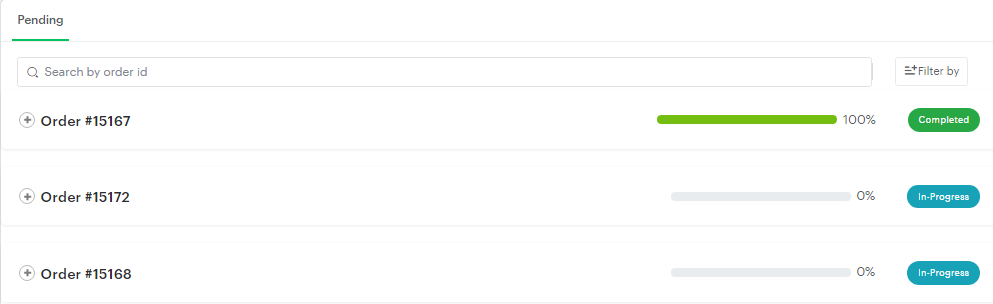
(iii) Card View: In this section, we can view the production job cards based on the orders.
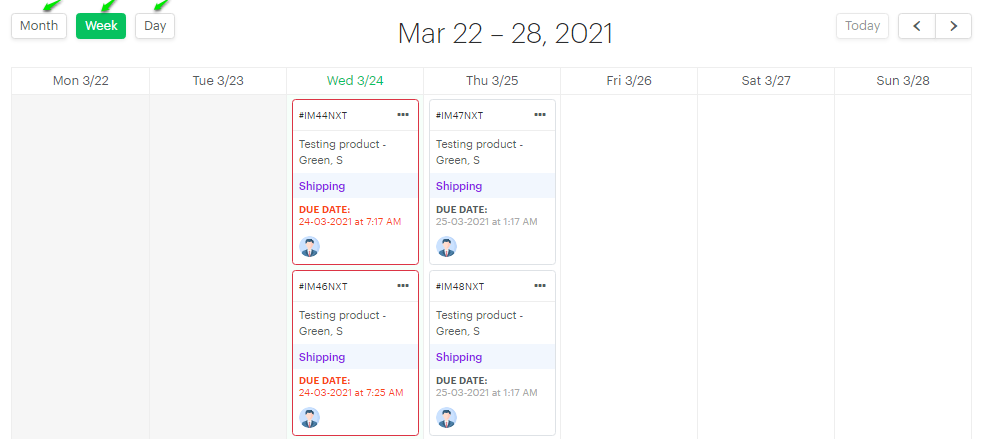
(iv) Calendar view: In this section, we can view the production job cards based on the days, weeks, and months.