
Steps to Set the Decoration Area of Basic Shapes
1. Log in to Impact Designer Admin
2. From the left navigation panel, click “Products”

3. On the Products page, click “Settings” (under the Actions panel for the product you want to edit).
4. The Decoration Area Setting page will open.
• Under Imprint Area, select Set Decoration Areas and click “Manage Decoration Areas.”

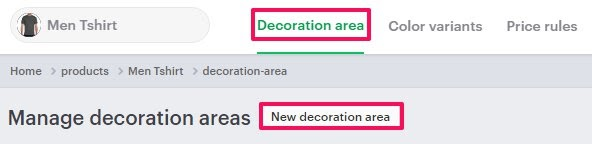
5. In the Decoration Area tab, click “New Decoration Area.”
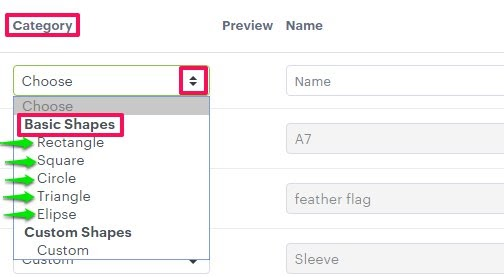
6. From the Category dropdown, select “Basic Shapes.”
7. Set the properties for your shape:
• Name
• Width
• Height
8. Click the green tick icon to save.

You’ve successfully added a basic shape as a decoration area!
► After configuring the imprint area, assign the imprint method to each imprint area of the product.