
To set a measurement unit:
1. Open Impact Designer Admin.
2. Click “Products” in the navigation panel.

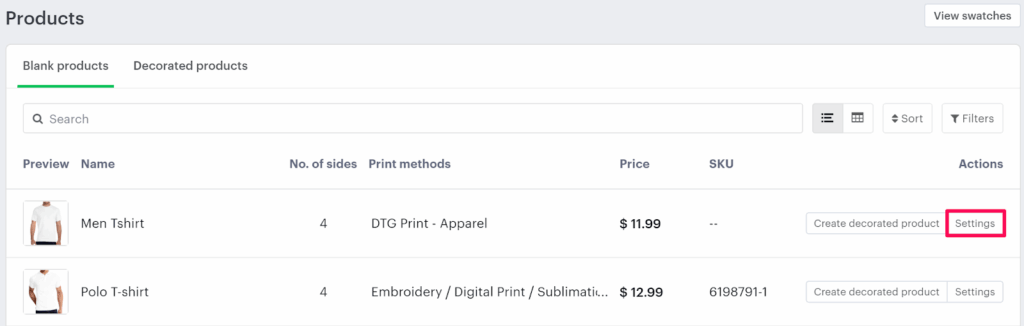
3. On the Products page, click “Settings” under the Actions column.
4. The Decoration Area Settings page will open.
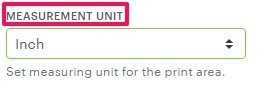
• Scroll down to the bottom and find Measurement Unit on the right-hand side.
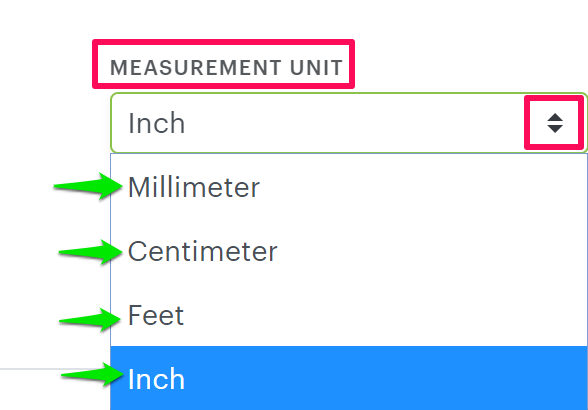
5. From the dropdown, select the desired measurement unit you want to apply.
6. Scroll down and click “Save Decoration Area” to save your changes.
You’ve successfully set a measurement unit for your product!
► Make sure to set an imprint area for the product before saving the measurement unit.