
Steps to Enable the Horizontal Flip Option
1. Open Impact Designer Admin.
2. Click “Print Profile” in the navigation panel.

3. In the Print methods page, select your print method and click “Edit”
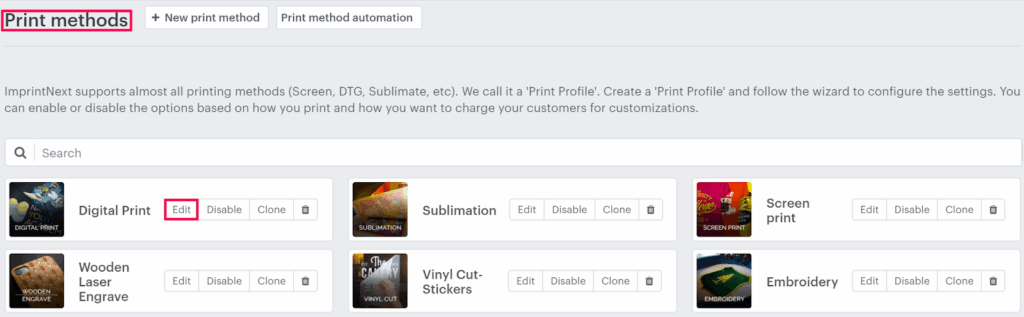
4. The Print method setting page will appear, and scroll down to find Order settings. Move to the right and select the Horizontally flipped order files checkbox.

5. Click “Save” or scroll down to the bottom and click “Save”.
You have successfully enabled the Horizontal Flip option for order files!