
Steps to Enable or Disable Features of a Designer Tool for a Print Method
1. Open Impact Designer Admin.
2. Click “Print Profile” in the navigation panel.

3. In the Print methods page, select your print method and click “Edit”.
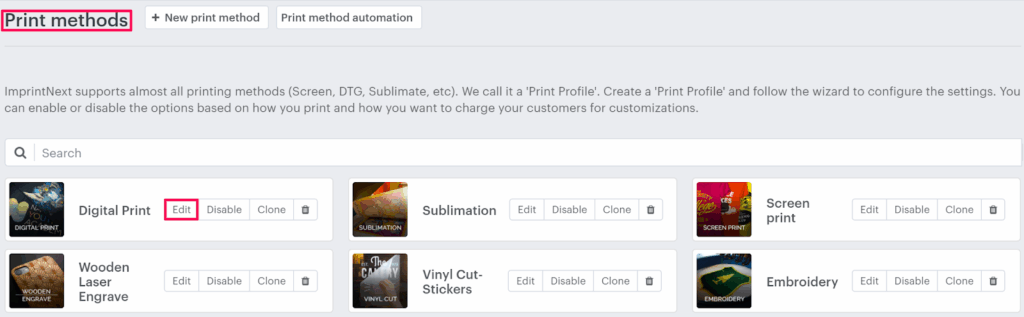
4. The Print method setting page will appear, and scroll down to find Feature ON / OFF. Uncheck features that you don’t want to assign to the print profile.

5. Click “Save”.
Done! Your selected features are now enabled or disabled for that print method!
► The enabled feature will appear only for this print method in the designer tool.