
Steps to Enable Laser Engraving
1. Open Impact Designer Admin.
2. Click “Print Profile” in the navigation panel.

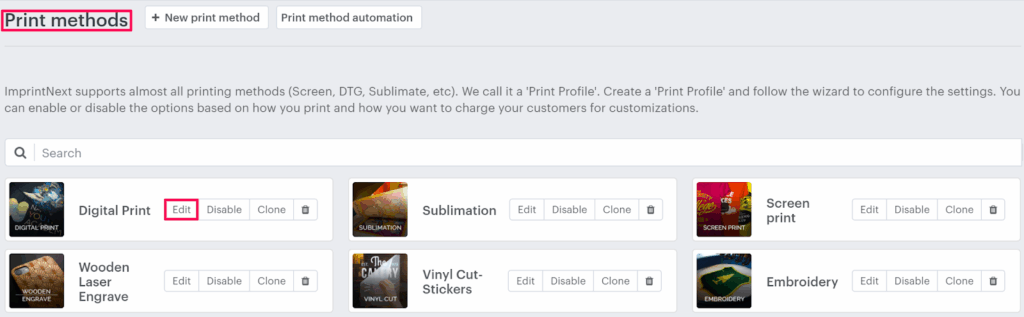
3. In the Print methods page, select your print method and click “Edit”.
4. The print method setting page will appear. In the Laser engrave settings, toggle the button of Enable laser engrave.

5. Click “Save” or scroll down to the bottom and click “Save”.
► Based on the engraving effect, you can also configure other settings.
That’s it! Laser engraving is now enabled for this print method!