
Steps to Disable a Print Profile
1. Open Impact Designer Admin.
2. Click “Print Profile” in the navigation panel.

3. In the Print methods page, select your print method and click “Disable”.
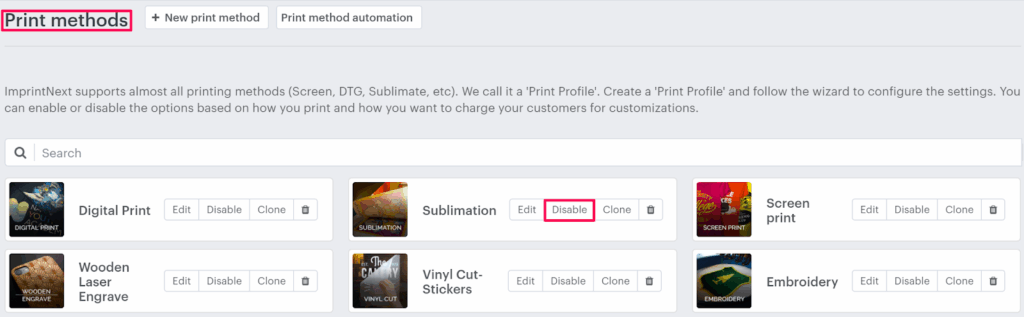
4. A pop-up will open asking you to confirm your action.
5. Click “Yes, disable it”
You have successfully disabled the print profile!
► While assigning print methods to products or assets, the disabled print methods will not be displayed.