
Steps to Create a New Print Method
1. Open Impact Designer Admin.
2. Click “Print Profile” in the navigation panel.

3. In the Print methods page, click “New print method”.

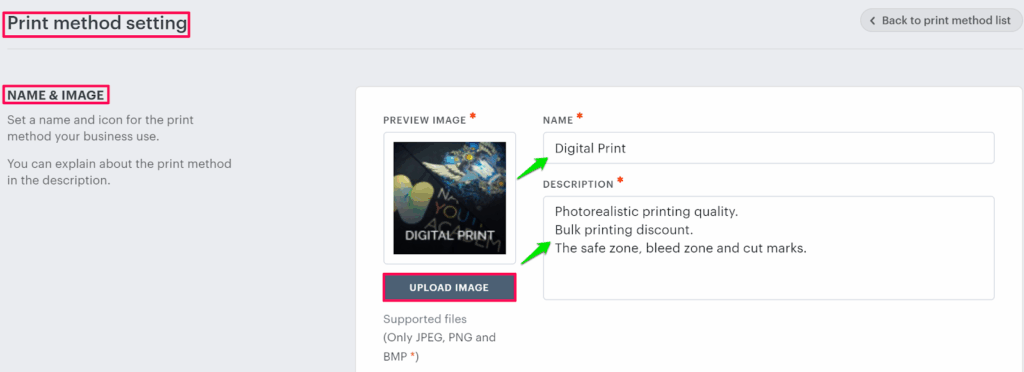
4. The print method setting page will appear. In the Name & image section, click “Upload Image” to upload the print method image and fill in the properties such as name and description.
5. Scroll down to the bottom and click “Save”.
► For the complete setup of the print profile, configure other settings based on your printing technique.