
Follow these steps to get started with Impact Designer on Zapier:
Step 1: Start a New Zap
- In Zapier, begin creating a new Zap with Impact Designer as your app.
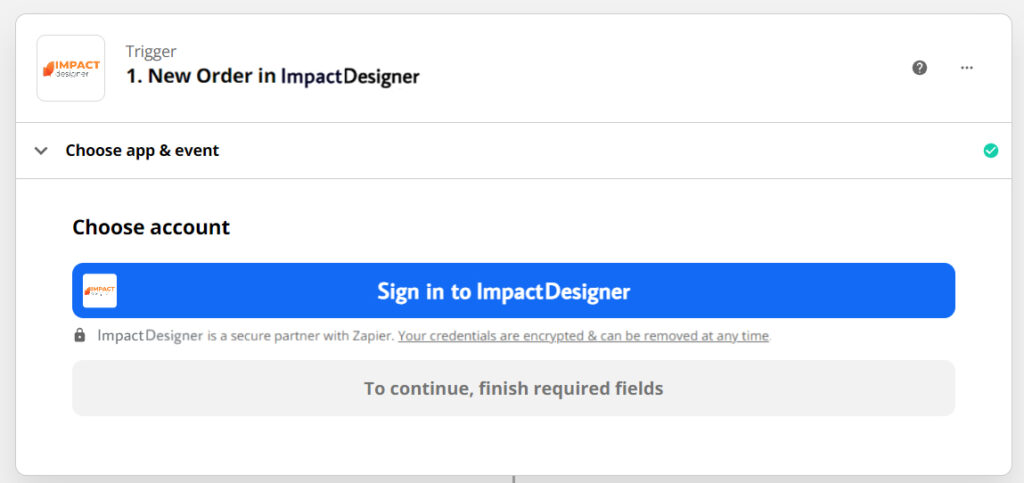
Step 2: Sign In to Impact Designer
- Click “Sign In” when prompted.
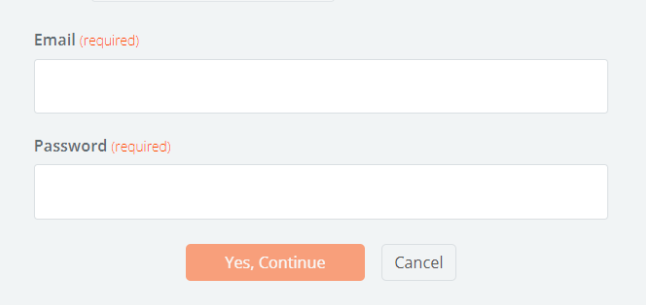
- Enter your Impact Designer username and password.
Step 3: Authorize and Connect
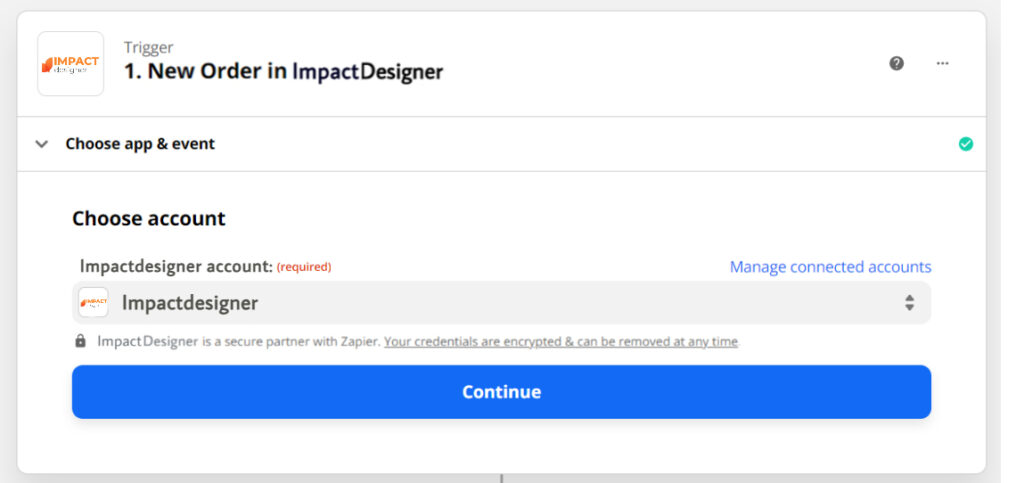
- Once your credentials are verified, Zapier will automatically connect your account.
- You’ll be returned to your Zap with your Impact Designer account successfully linked.
You can now start creating automated workflows between Impact Designer and hundreds of other apps in Zapier!